
Step 1
Save the show.
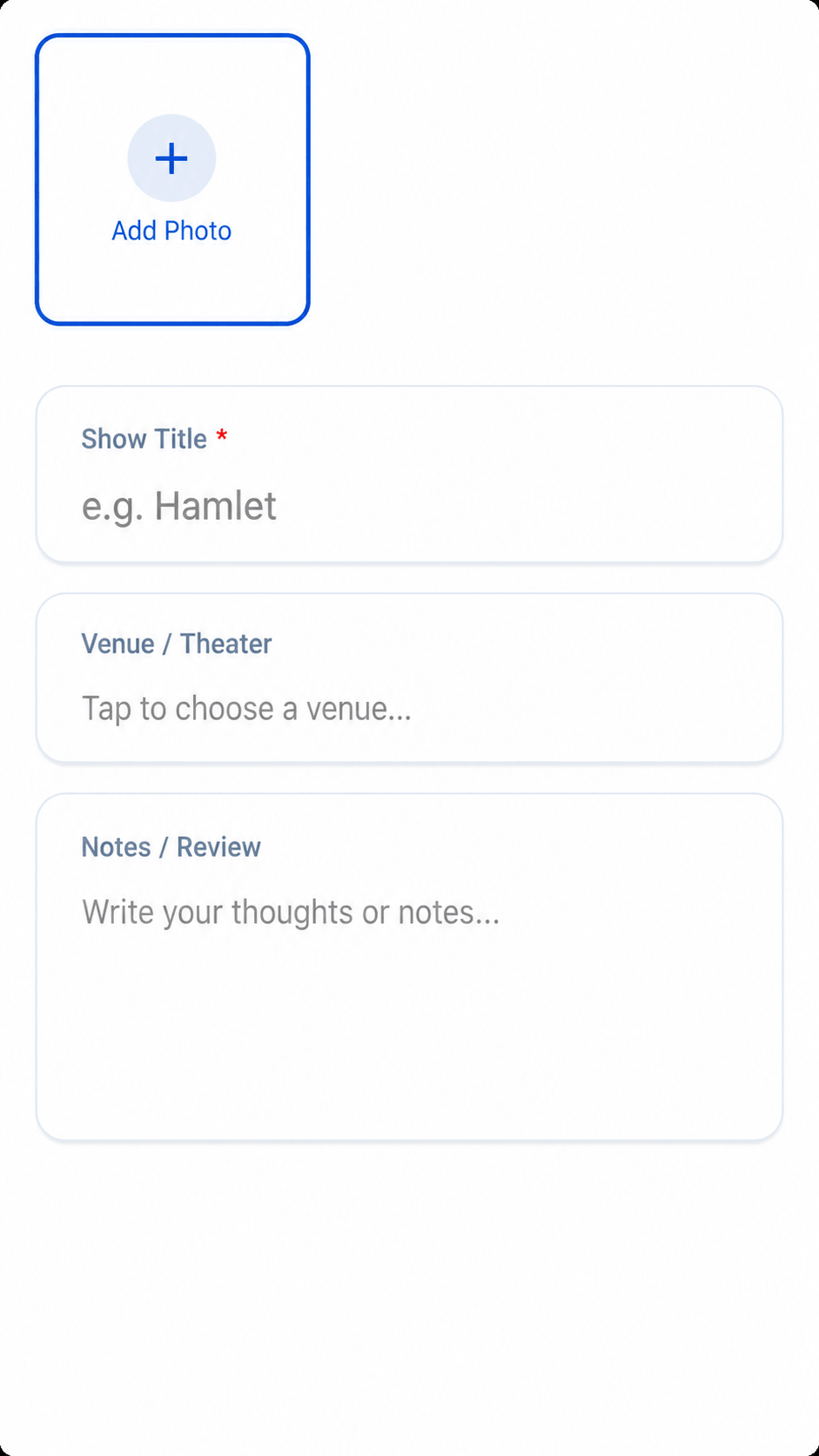
Tap "Log a show" at the bottom, then snap the stub, add a screenshot or start a blank entry.
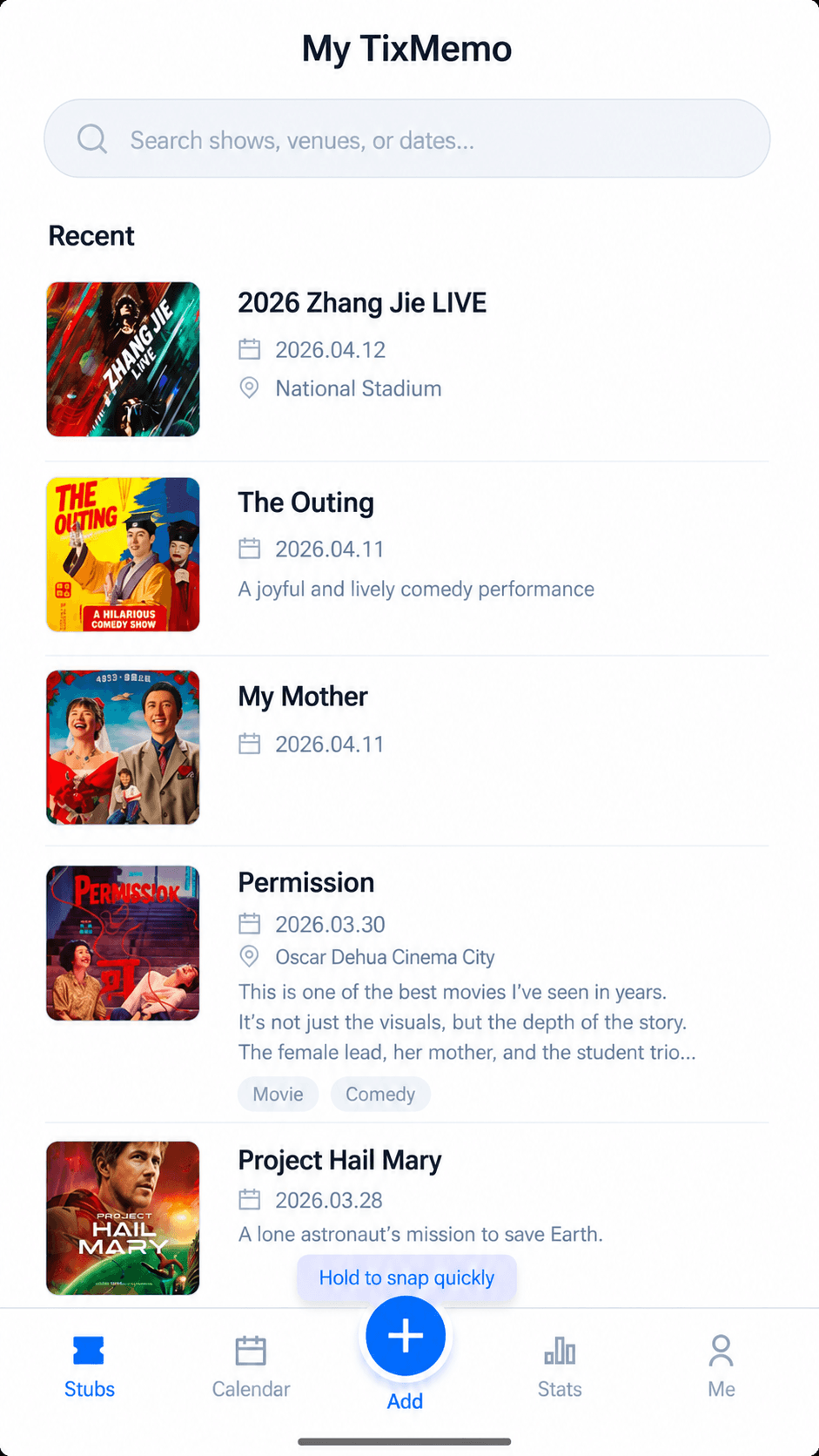
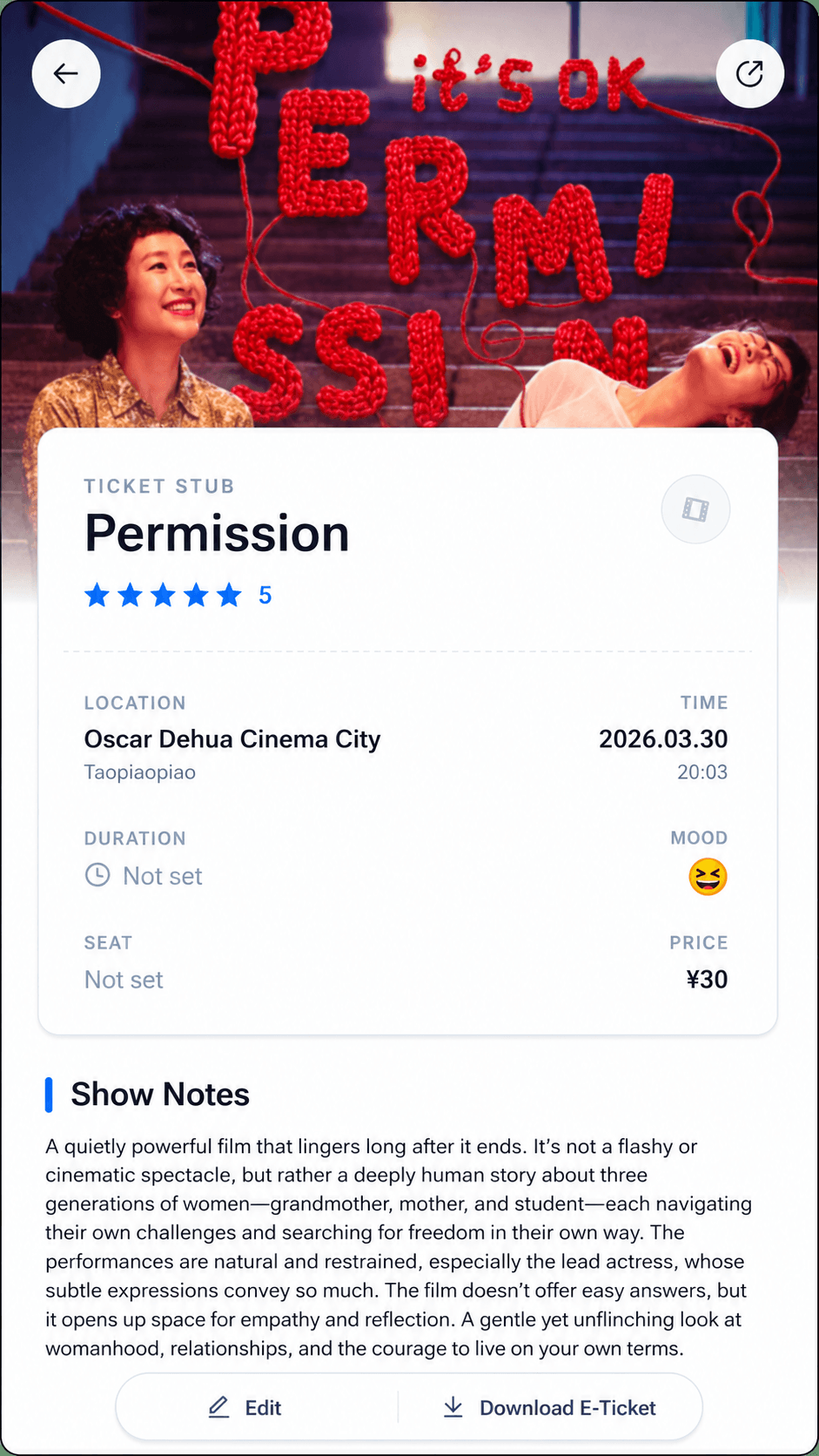
Stubs, photos, the venue, your seat and how it felt — all in one place. The next time you want to find a show, you won't be digging through your camera roll, notes and order history.
Tap "Log a show" at the bottom, then snap the stub, add a screenshot or start a blank entry.
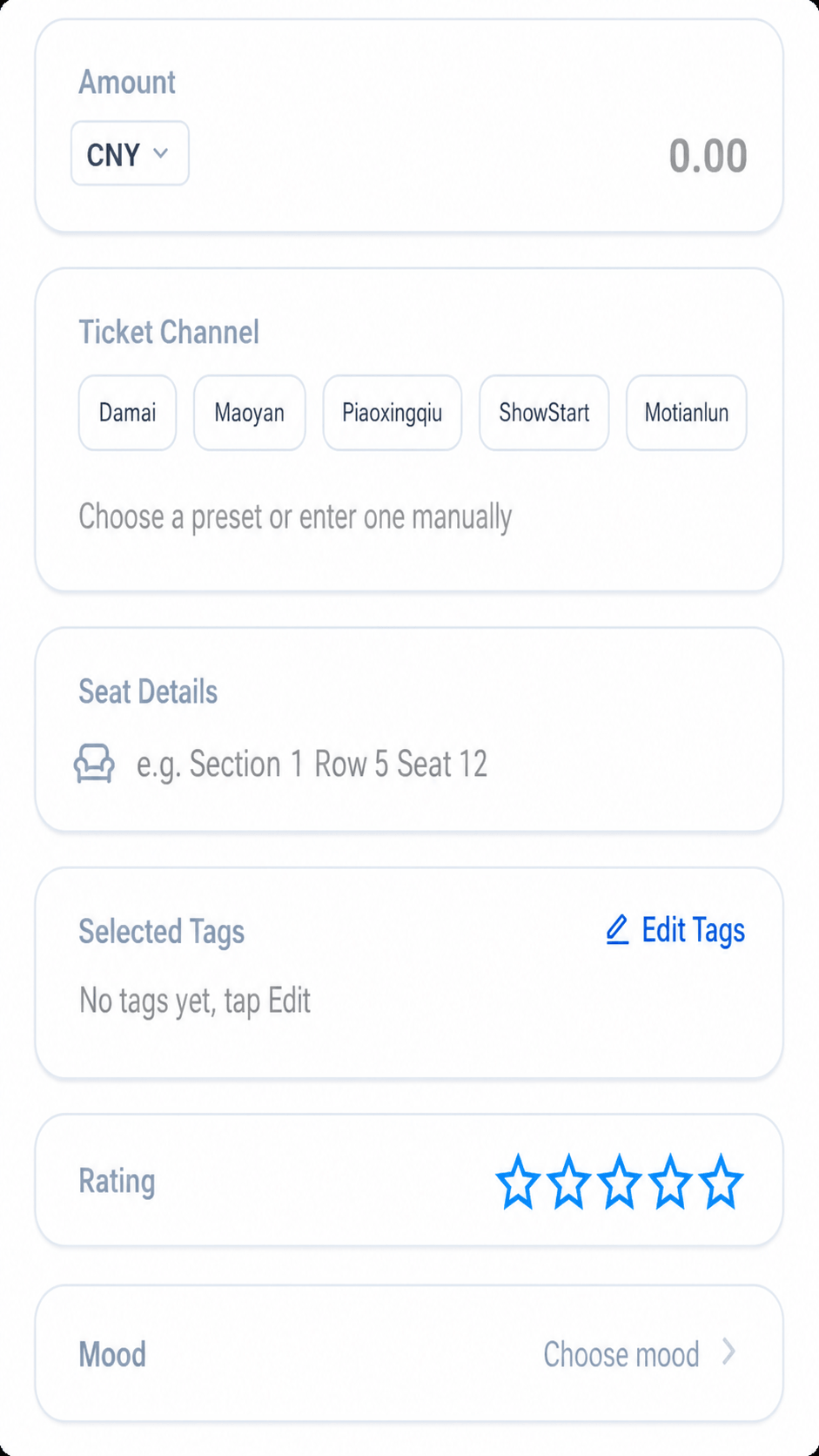
Venue, seat, price (multiple currencies), your mood, a rating, notes and tags — all in one entry. One show, one record, built to last far longer than a scattered photo album.
Search by title, venue, date or tag; flip through the calendar month by month, or revisit past years "on this day". PRO can even search the text inside your ticket photos — remember a single line from the stub, and that show turns up.
Pick your photos and the ticket text is read right on your device — no fee, nothing uploaded. PRO AI recognition goes a step further: it picks out the show, date, venue and seat for you to confirm, then fills them in and suggests tags that fit.
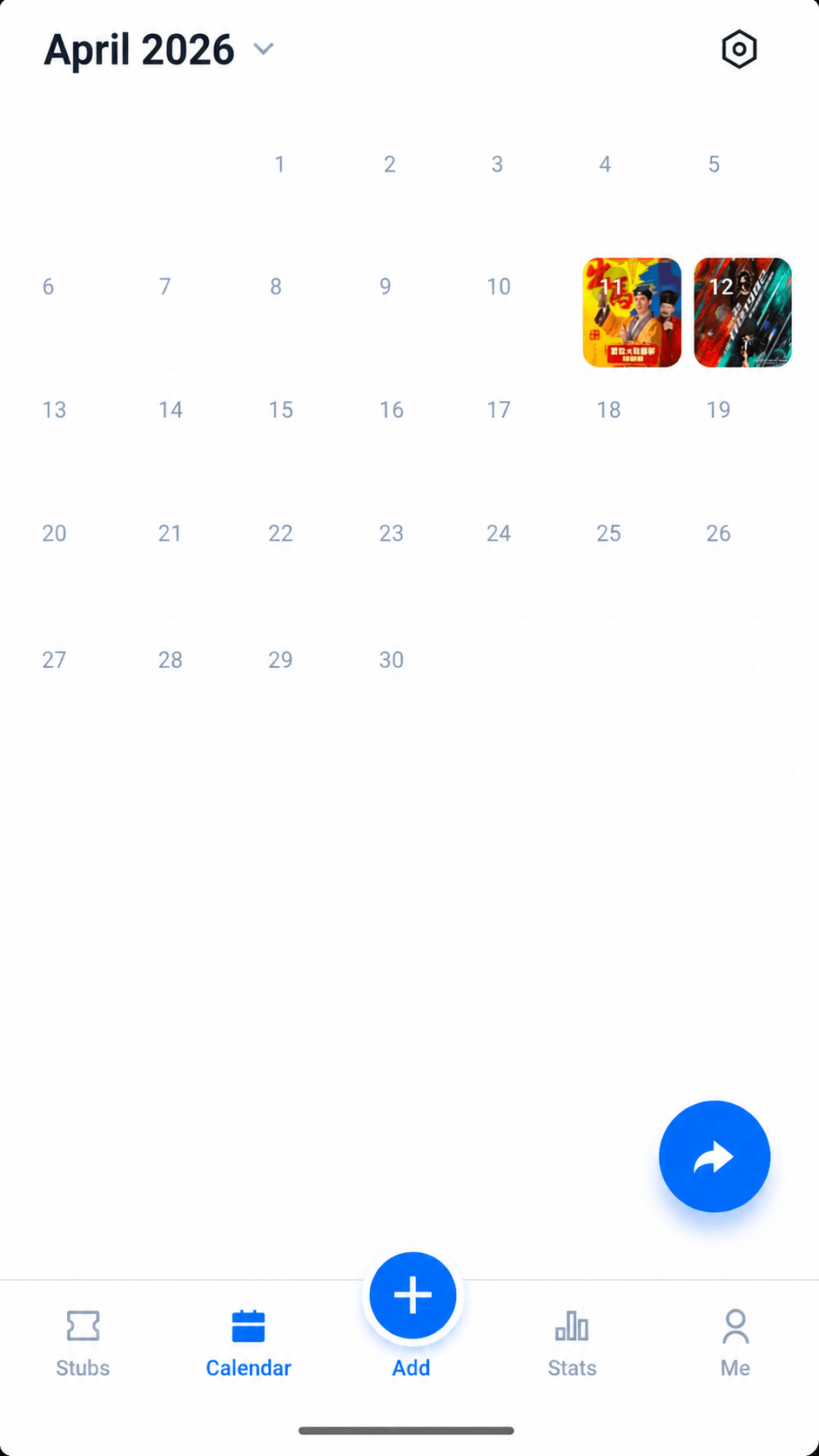
The calendar lays out each month's shows as posters, "On this day" resurfaces past years, and the stats page sums up attendance, spending, ratings and moods — with badges for the milestones.
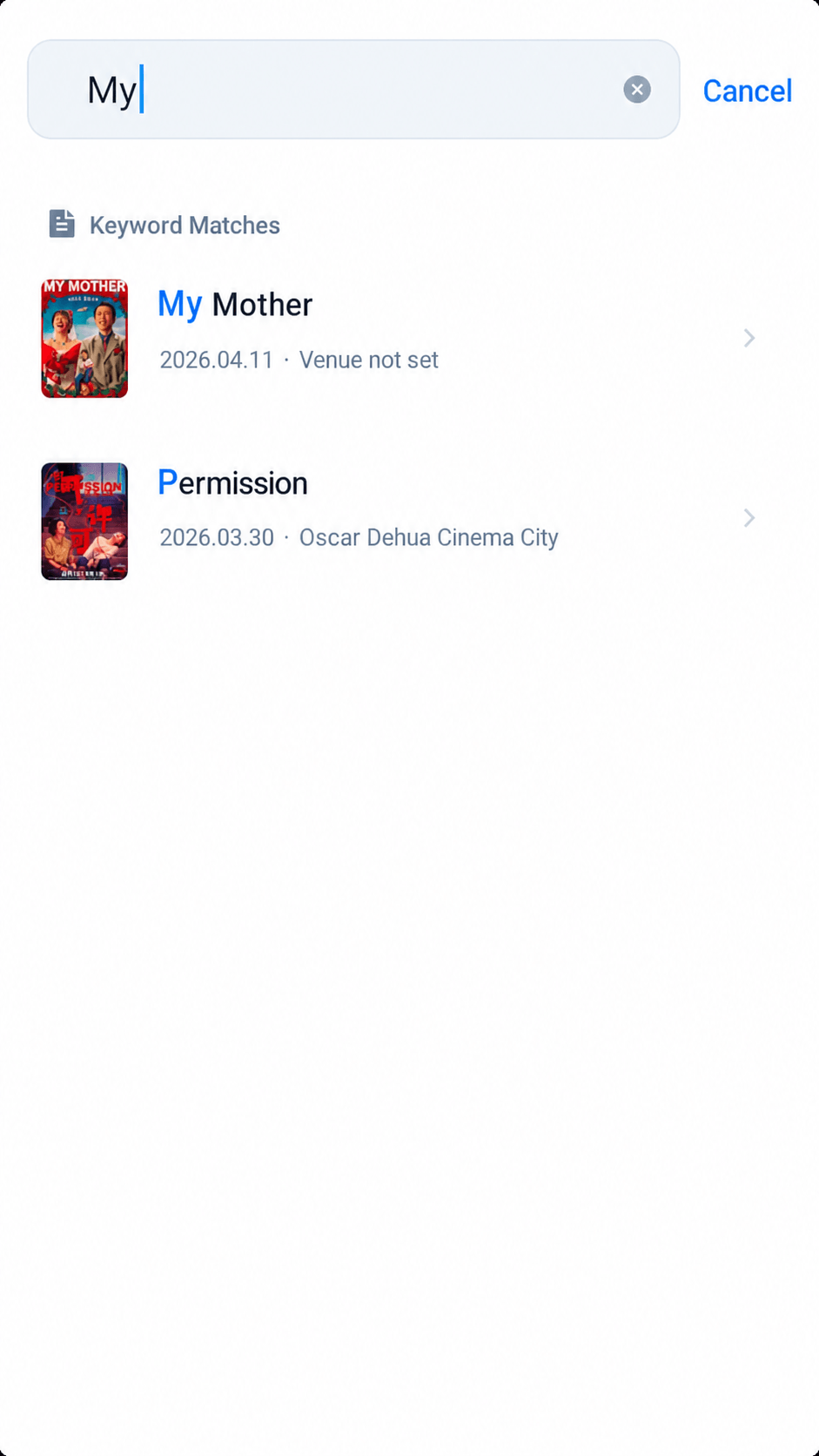
Search titles, notes, venues, dates and tags — dates understand "2024" or "May 2024" alike. Photos, stubs and your takeaways all live in the same entry.
If you're often at concerts, festivals, plays, musicals, dance, live house gigs or stand-up, this beats your camera roll, notes app and ticket orders for long-term organizing.
Drop the date, stub, seat and encore memories into one record, then share it as a ticket card — perfect for tour recaps and your yearly show list.
Multiple stages, multiple artists, tons of photos — bulk import groups them automatically. The free plan holds 3 photos per show; PRO raises that to 9.
Better than a plain note for tracking cast, theater, seat and your takeaways — so revisiting a production or comparing runs is effortless.
Anything you want to keep from a live event fits the same way — and flows right into your calendar and tag system.
Just photos, no structure. Months later you've forgotten which show it was or where you sat.
Great for quick text, awful at tying a stub, photo, venue and seat together. Easy to write, painful to update or search later.
They keep the order, not the memory — no photos, no feelings, no tags. They solve buying and entry, not reliving the night.
Built for sharing, not for archiving. Posting is fast, but when you want the full picture of one show, you're still missing a tool made for personal look-backs.
If you're often at concerts, festivals, plays or live house gigs, this beats your camera roll and notes for keeping stubs, photos and the night's vibe organized long-term.